3. Connect to a Device
Ignition can connect to many different devices natively with the built-in OPC-UA Server.
- Allen Bradley Ethernet
- Modbus
- Siemens
- UDP and TCP Driver
- DNP3
- Omron
- Simulators
- Third Party OPC Servers
Connect to the Generic Simulator
-
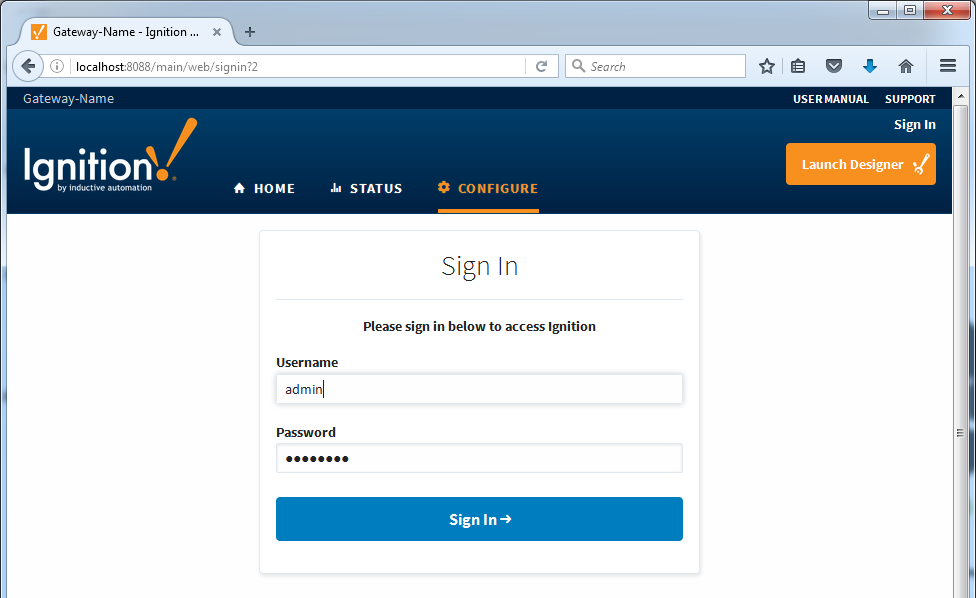
From the Gateway Webpage, navigate to the Configure section.
-
Enter the default username and password for the Designer and click Login.
Username: admin
Password: password
-
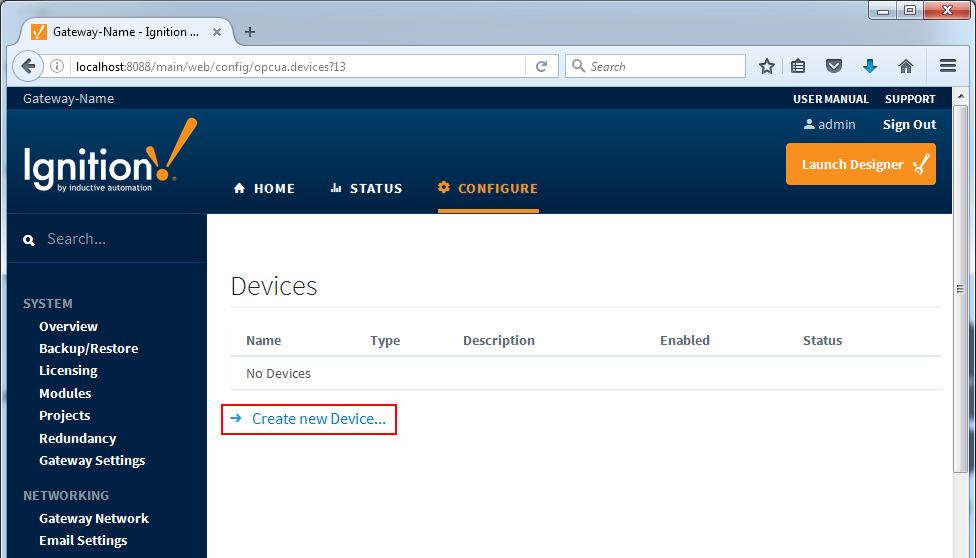
Scroll down to the OPC-UA section on the left and click the Devices link.
-
To add a new Device Connection, click the Create new Device... link.
-
Select Simulators Generic Simulator and click Next.
-
Give the new connection a name and click Create New Device.
