Perspective - Sensor
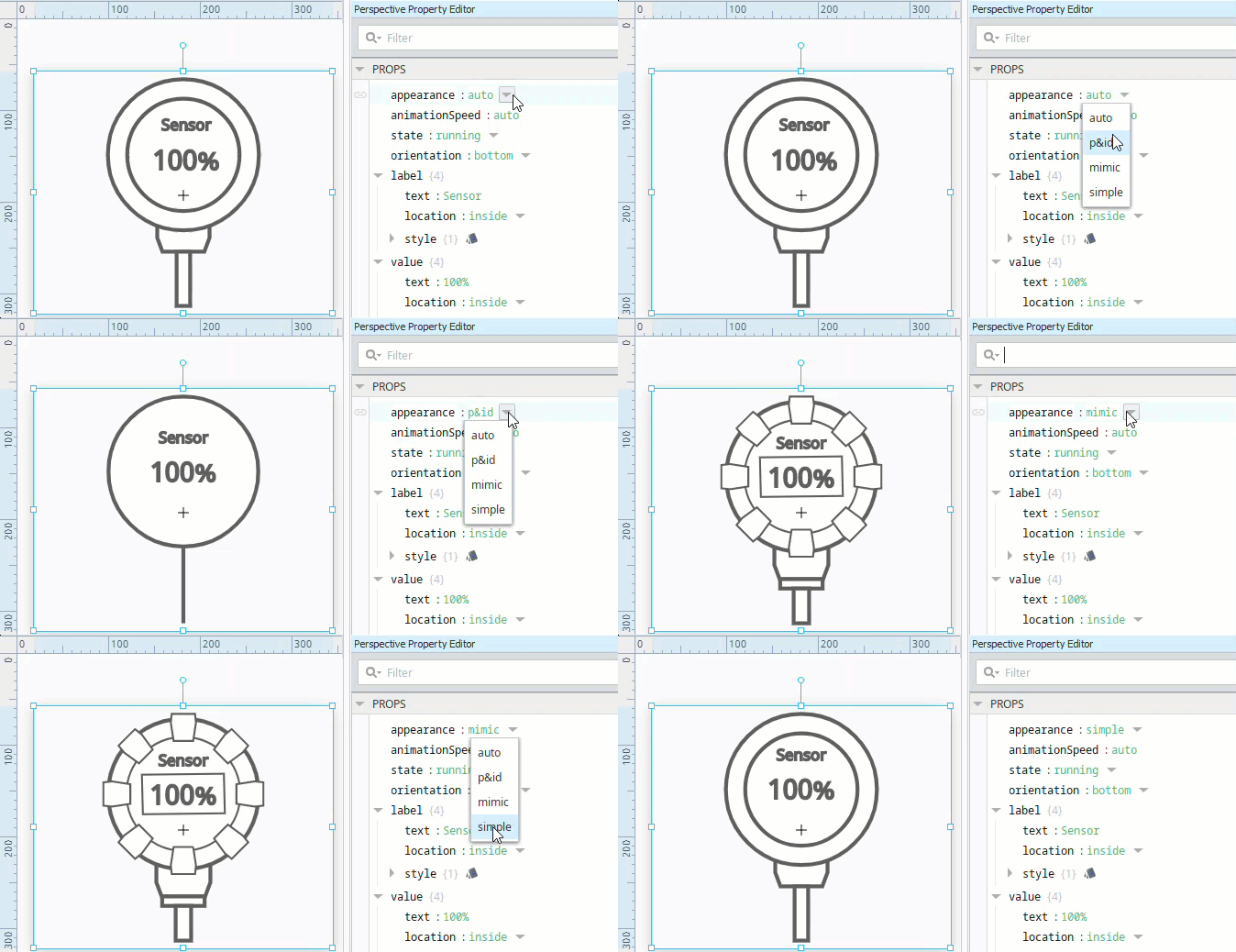
Component Palette Icon:

An animated component that looks like a sensor. Full menu of style options is available for text, background, margin and padding, border, shape and miscellaneous. You can also specify a style class.
Properties
Most Properties have binding options. For more information on Bindings, see Types of Bindings in Perspective. This section only documents the Props Category of properties. The other Categories are described on the Perspective Component Properties page.
| Name | Description | Property Type |
|---|---|---|
| appearance | Options for the appearance of the component. Options are auto, p&id, mimic, and simple. If set to auto, the value is taken from the Perspective Session Property symbols.autoAppearance. 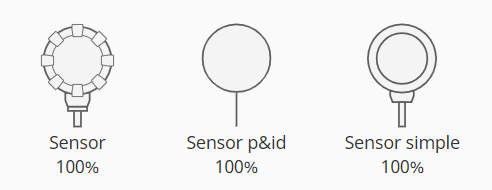 | value: string |
| animationSpeed | The speed of the animation as a percent. Set to "0" to turn off animation. If set to auto, the setting is taken from the Perspective Session Property symbols.autoAnimationSpeed. | value: numeric |
| state | State of the animation. Built-in options are default, running, stopped, or faulted.Built-in states and new states can be configured and applied on the Project Properties > Symbols page. | value: string |
| orientation | Orientation of the sensor. Options are top, bottom, left, or right. Default is right. | value: string |
| label | Label settings for the component.
| object |
| value | Value settings for the component.
| object |
| style | Sets a style for this cylindrical tank. Full menu of style options is available for text, background, margin and padding, border, shape and miscellaneous. You can also specify a style class | object |
Component Events
The Perspective Event Types Reference page describes all the possible component event types for Perspective components. Not all component events support each Perspective component. The Component Events and Actions page shows how to configure events and actions on a Perspective component. Component scripting is handled separately and can be accessed from the Component menubar or by right clicking on the component.